How to Filter Breaks or UDIDs
In order to filter a particular UDID, first identify if the data is in a Break field.
UDID 71 = Break 1
UDID 72 = Break 2
UDID 73 = Break 3
* This mapping is standardized for all client's with Break field data.
Use the following fields to filter for Break data:
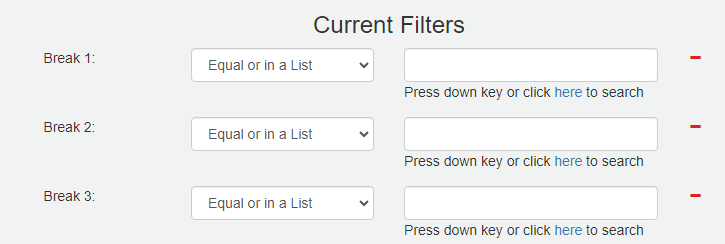
For all other UDID filtering, use the following fields:

To filter more than one than one UDID value, use the pike "|" as a separator (instead of a comma):

User 'Advanced UDID Number' feature to filter out undesirable values:
Was this article helpful?
That’s Great!
Thank you for your feedback
Sorry! We couldn't be helpful
Thank you for your feedback
Feedback sent
We appreciate your effort and will try to fix the article